Stretch Image Easily Stretch Any Image
Stretch and reshape any photo right in your browser — adjust stretch or set exact dimensions. Export as JPG, PNG or WebP — processed 100% locally, nothing ever uploaded.
A Simpler Way to Stretch Images
Everything you need to adjust image dimensions, without the overhead of traditional editing software.
Easy to Use
Simple workflow designed for users who want to adjust an image without complicated editing software.
Fast Browser-Based Workflow
Access the image stretcher directly from a modern browser — nothing to install, nothing to configure.
Flexible Image Dimensions
Useful when an image needs different width or height proportions for a layout, banner, or social post.
No Complicated Setup
Keep the experience focused on the image task rather than unnecessary software installation steps.
Works Across Devices
Stretch images online from phones, tablets, and desktops with a responsive, adaptive experience.
Useful for Everyday Image Tasks
Suitable for creators, marketers, bloggers, students, social media users, and website owners.
Why Use Stretch Imagify for Image Stretching?
When you need to change image width and height quickly, Stretch Imagify keeps things focused. There are no extra features to learn, no subscriptions to manage, and no exports to wait for.
- Simple, clear workflow from start to finish
- Convenient browser access on any device
- Built specifically for stretching and resizing images
- Responsive experience that adapts to your screen
- Practical tool for everyday image dimension changes
How to Stretch an Image Online
Four straightforward steps to adjust your image dimensions with the existing Stretch Image tool.
Open the Tool
Visit the existing Stretch Image tool on Stretch Imagify.
Add Your Image
Use the existing tool's image-input workflow to load your picture.
Adjust Your Image
Use the controls already provided by the existing tool to set your dimensions.
Get Your Result
Complete the image task and download your stretched image.
Built for Practical Image Work
Stretch Imagify is designed around how people actually work with images every day.
Browser-Based
Runs entirely in your browser with no downloads or plugins needed.
Simple Workflow
A focused, step-by-step process designed to get you in and out quickly.
Image-Focused
Built specifically for stretching and resizing — not a bloated editor.
Built for Everyday Use
Made for creators, marketers, students, and anyone who works with images.
What Users Say About Our Image Stretch Tool
Feedback from people who use our image resizing & stretching tool regularly.
"I use this every time I need to resize product photos for different banner sizes. No more distorted images or guessing dimensions — it just stretches cleanly to fit."
"I tested it on a batch of thumbnails that needed different aspect ratios and the results stayed sharp. Way faster than opening Photoshop for every single file."
"Simple and fast, no sign-up needed. I use it whenever I need to quickly stretch an image to fit a specific banner or social post size."
Guides for Better Image Editing
Learn more about stretching, resizing, and working with image dimensions online.
 Guide
Guide
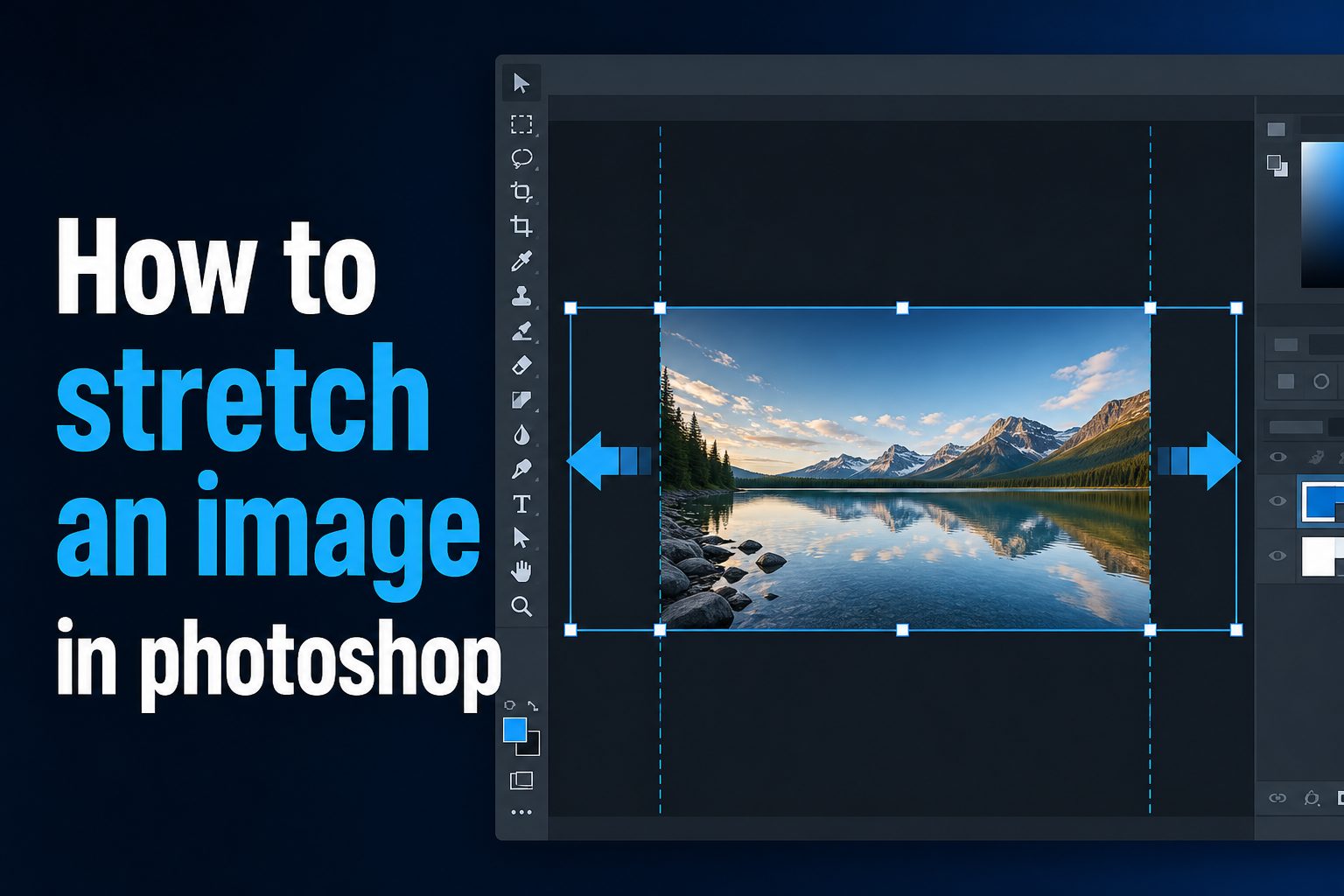
How to Stretch an Image in Photoshop Without Distortion
A tool-by-tool walkthrough of Free Transform, Content-Aware Scale, and Generative Expand for stretching images without warping the subject.
 Tutorial
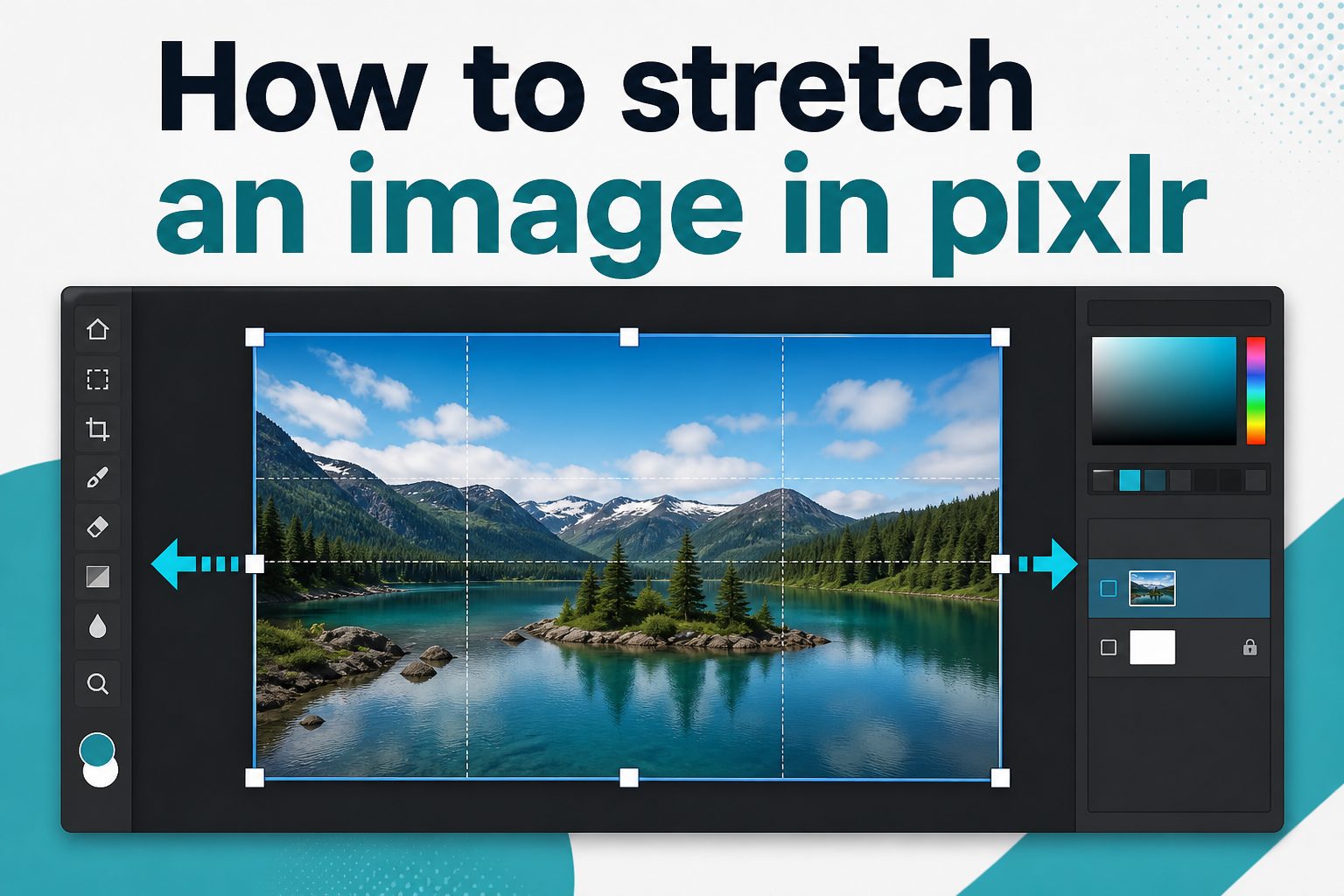
How to Stretch an Image in Pixlr: Step-by-Step Guide
Browser-based methods for stretching a whole image or a single layer in Pixlr, plus how to avoid quality loss along the way.
 Explainer
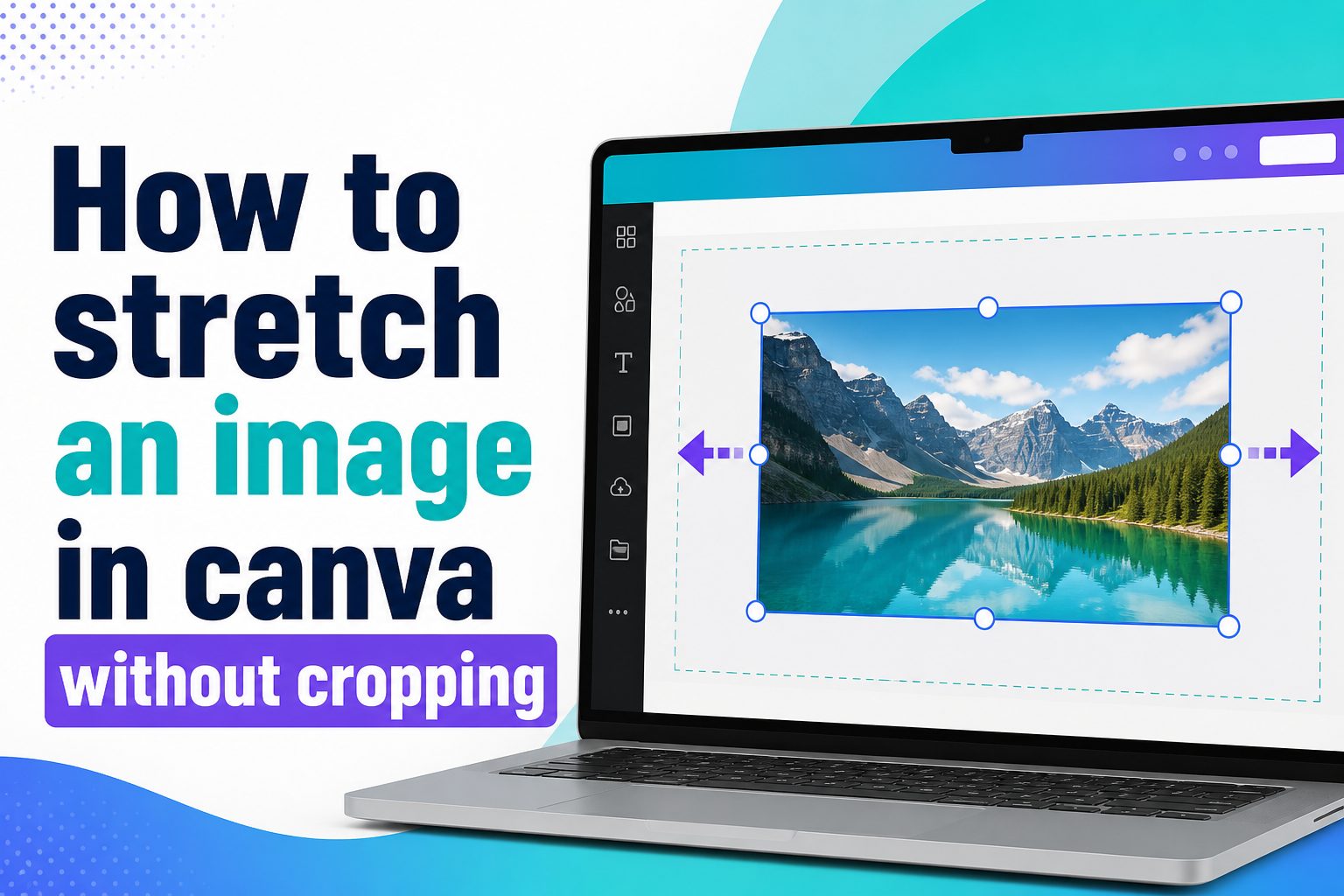
How to Stretch an Image in Canva Without Cropping
How to resize with corner handles, fill empty space with backgrounds, and keep faces, logos, and text fully visible in Canva.
Frequently Asked Questions
Common questions about stretching images online with Stretch Imagify.
Stretching an image means changing its dimensions by expanding it in one or more directions — horizontally, vertically, or both. Unlike cropping, stretching doesn't remove any part of the image. Instead, it adjusts the overall width and height, which can change how the image's contents appear.
Yes. The Stretch Image tool on Stretch Imagify is designed as a browser-based image stretcher, so you can adjust image dimensions without downloading or installing any software. Just open the tool, load your image, and set your desired width and height.
Resizing typically scales an image proportionally — both width and height change by the same ratio, so the image keeps its original aspect ratio. Stretching changes the width and height independently, which means the aspect ratio can change and subjects in the image may appear wider, taller, or distorted depending on the adjustment.
Yes. Horizontal stretching increases the width of an image while keeping the height the same (or changing it by a different amount). This is useful when you need a wider version of an image for a banner, header, or layout that requires specific horizontal dimensions.
Yes. Vertical stretching increases the height of an image while keeping the width the same (or changing it separately). This can be helpful for tall graphics, sidebar images, or any situation where you need an image with greater vertical proportions.
People stretch images for many reasons: fitting a photo into a specific layout dimension, creating a banner with exact width requirements, adjusting a graphic for social media templates, preparing images for website headers, or simply needing a different proportion than the original file provides.
Changing an image's proportions can alter how subjects and objects within it appear. For example, stretching horizontally can make things look wider, while vertical stretching can make them look taller. The visual impact depends on how much you adjust the dimensions and the content of the image itself.
Anyone who works with digital images can benefit from an online image stretcher. This includes content creators, marketers, bloggers, students, social media managers, website owners, designers, and casual users who occasionally need to change image dimensions without opening full editing software.
Ready to Stretch Your Image?
Skip the complicated software. Open the Stretch Image tool, adjust your dimensions, and get back to what matters. It's that straightforward.